











The photos live on everyone else's phone
Guests catch the in-between moments, then those photos disappear into their camera rolls.
Free event photo sharing
Create a free shared album, give guests one QR code, and collect the candid moments from every phone. No app. No guest accounts. No chasing people later.
The problem
Everyone takes photos at your event. Without one obvious place to put them, you only ever see a fraction of what happened.
Guests catch the in-between moments, then those photos disappear into their camera rolls.
Compressed images, duplicate threads, expiring links, and someone chasing everyone later.
If guests need to download something or create an account, most of the photos never arrive.
The product
Set up the event, share one code, and let your guests do the rest.
 Create event
Event name
Date
Event colour

Sun, 18 October
Name the event, choose your date, add a cover, and select one of the official Photos colours. The live preview shows exactly what guests will see.
Copy the event link or download the QR code for invitations, menus, table cards, signage, and screens.
Guests join from one link or scan the QR code from a table card.
Scan to join
Maya’s 30th
18 October 2026
0/10
photos taken

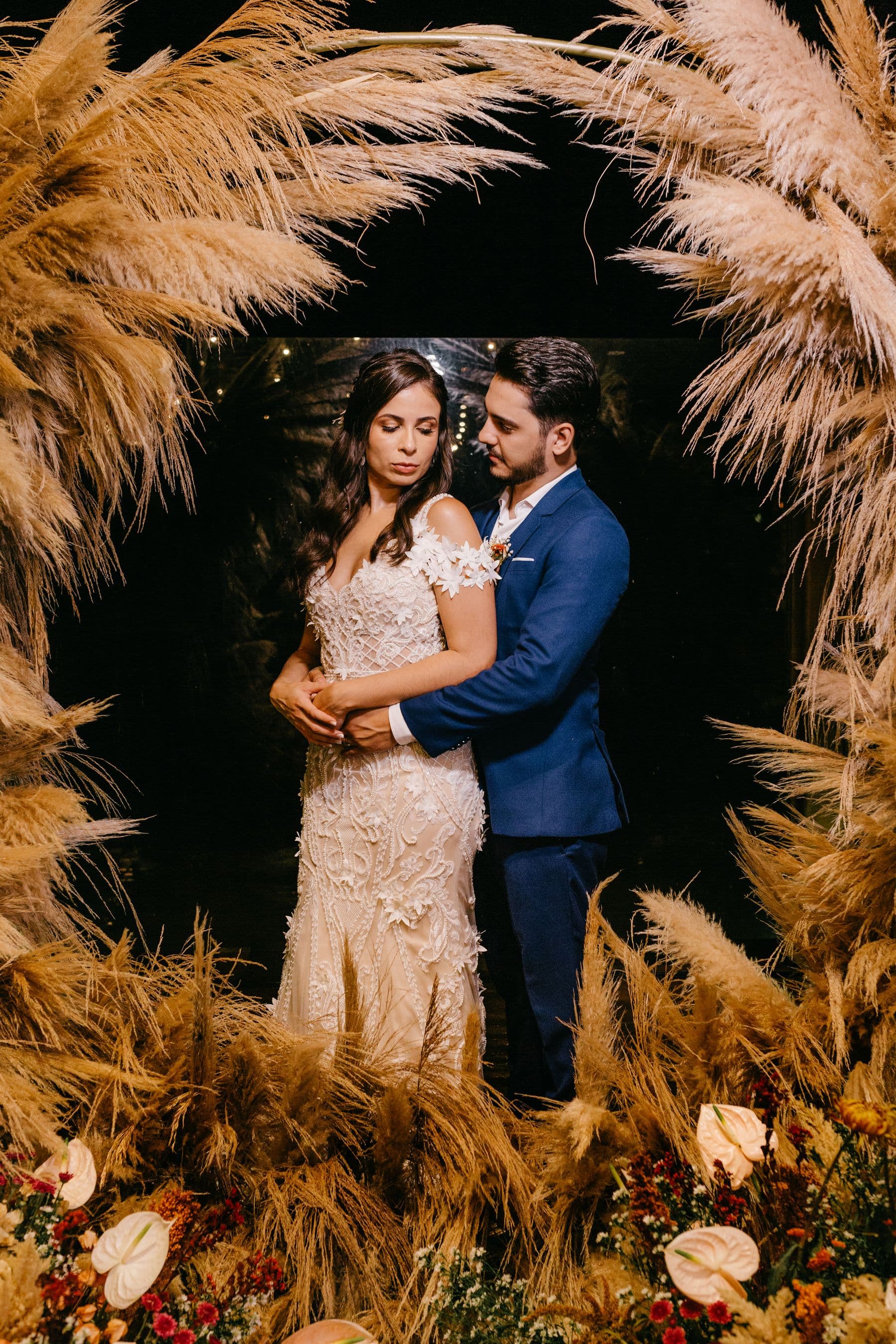
Guests open the event in their browser and upload straight from their camera roll. New photos appear in the shared gallery for everyone.
Everything you need
The easiest photo-sharing experience is the one nobody needs explained.
Guests open the album in their phone browser and start adding photos straight away.
Invite the whole room. Guests do not need to create an account to contribute.
Remove unwanted photos and keep the shared gallery ready for everyone.
Browse together, then download the individual photos you want to save and share.
Made for good times
Start free
Create a free event, invite as many guests as you like, and bring everyone’s photos into one place.
Create a free event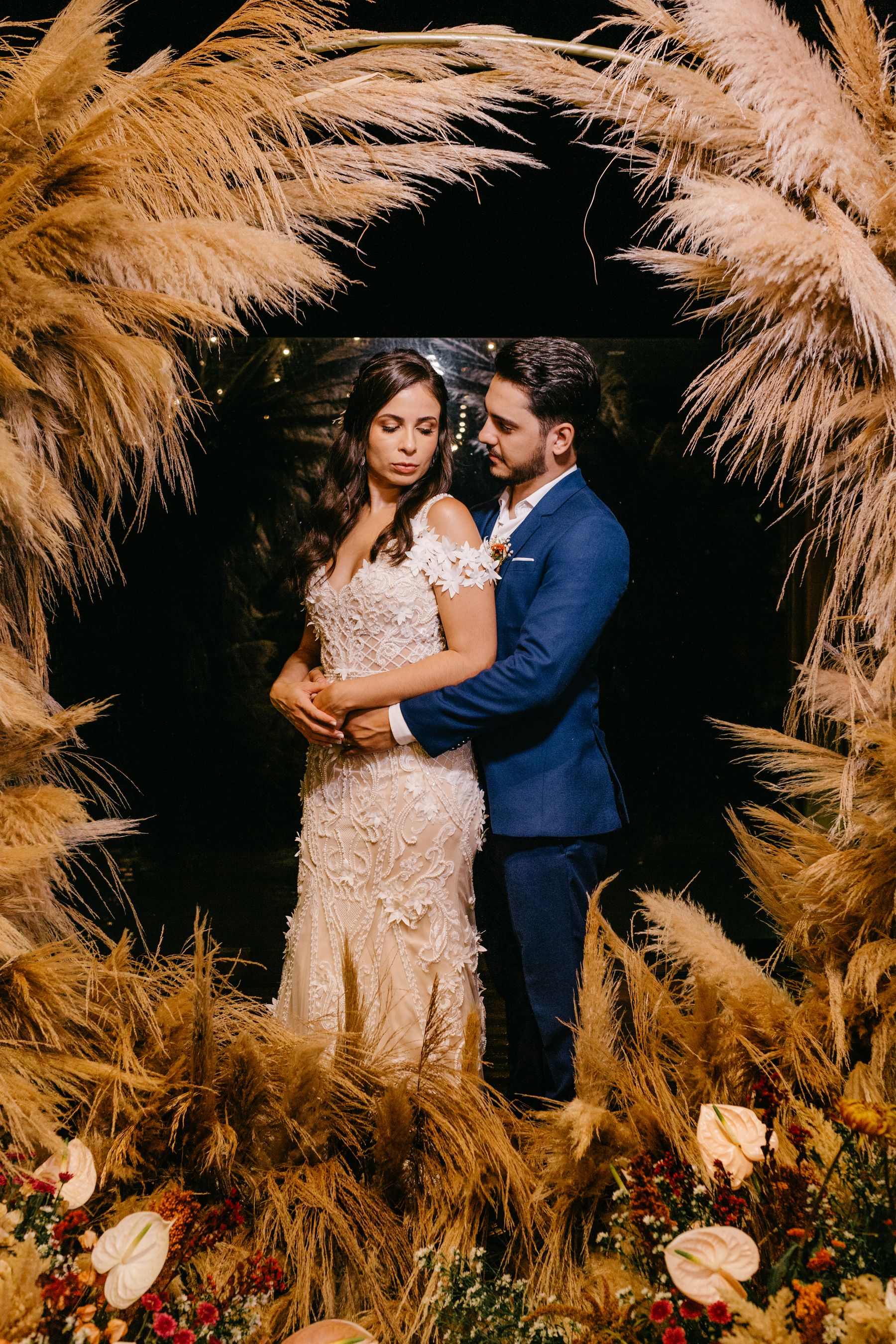
Made by everyone who was there.
Good to know
Yes. You can create a free event, invite unlimited guests, and collect everyone’s photos in one shared album.
No. Guests can scan your QR code or open the event link and upload from their browser without signing up.
Yes. Photos.io works in modern browsers on iPhone, Android, tablets, and desktop computers.
Yes. Event hosts can remove photos from the shared album, and uploads pass through moderation checks.
Yes. Guests can browse the shared gallery and download individual photos they want to keep.
Photos.io currently supports photo uploads. Video uploads are not available yet.
Ready when you are
Your guests already have the camera. Give them one easy place to share what they see.
Start your free album