Collect the moments between the portraits
Bring together the dance floor, table photos, reunions, and behind-the-scenes moments guests naturally capture.
The wedding through everyone’s eyes
Your photographer captures the big moments. Your guests catch everything around them. Photos.io brings those perspectives into one private-by-link wedding album.
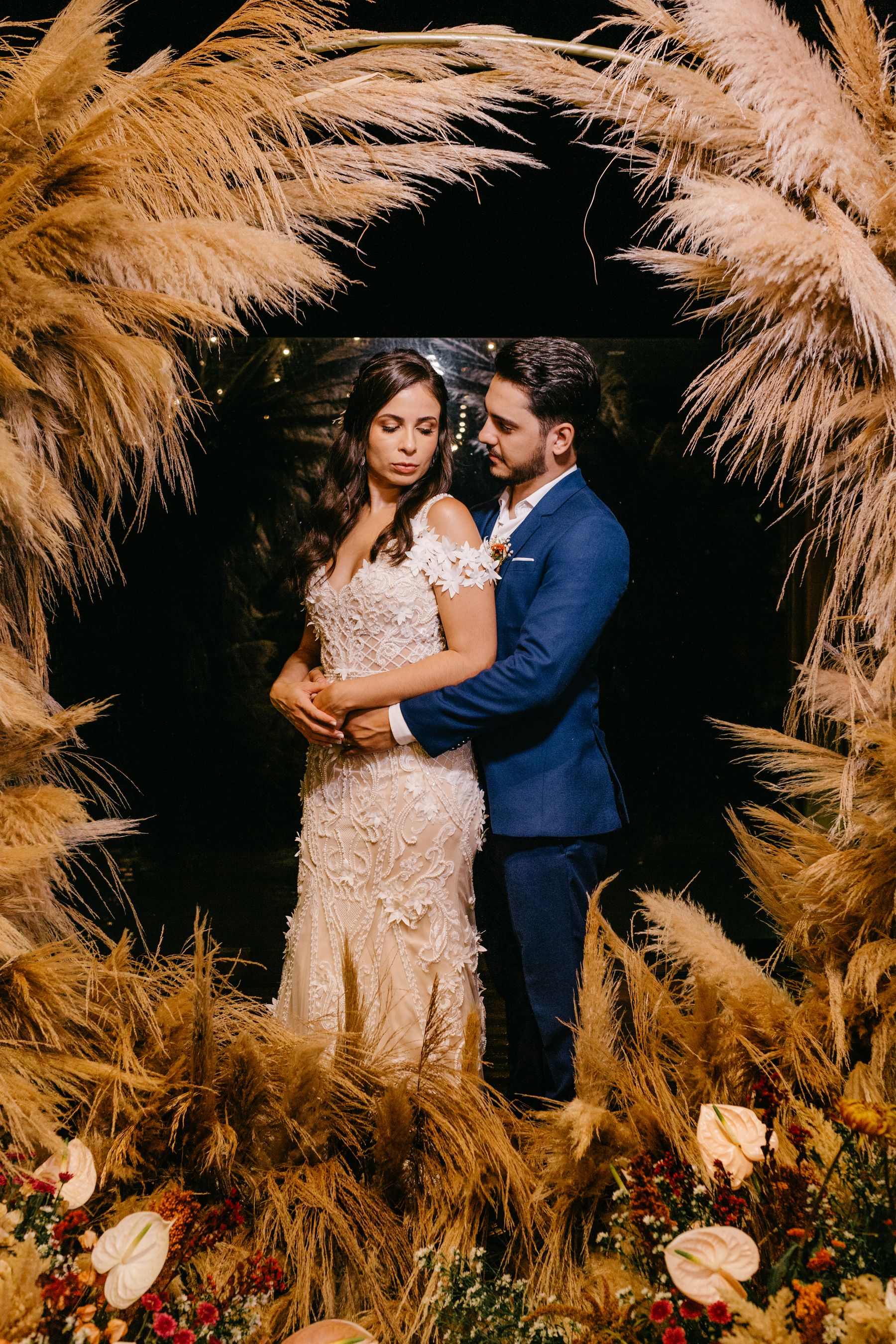
No app. No guest account.
One scan opens the shared album.
Why it works
Bring together the dance floor, table photos, reunions, and behind-the-scenes moments guests naturally capture.
Guests can contribute in seconds, including relatives and friends who would never download another event app.
Share the album link before the day and place the QR code on programs, signs, or table cards.
Three small steps
Add the couple’s names, date, and a favourite cover photo.
Share the QR code on paper, screens, or messages.
Browse and download candid photos from the shared gallery.
Good to know
Guests scan the wedding QR code or open the album link, then upload directly from their phone browser.
No. There is no app download and guests do not need a Photos.io account.
Popular places include invitations, welcome signs, table cards, menus, ceremony programs, and reception screens.